
AI music maker with four engines and real controls
Shape a take with genre, mood, tempo, key and an energy curve, choose the engine that fits the job, then compare takes and keep the best one.
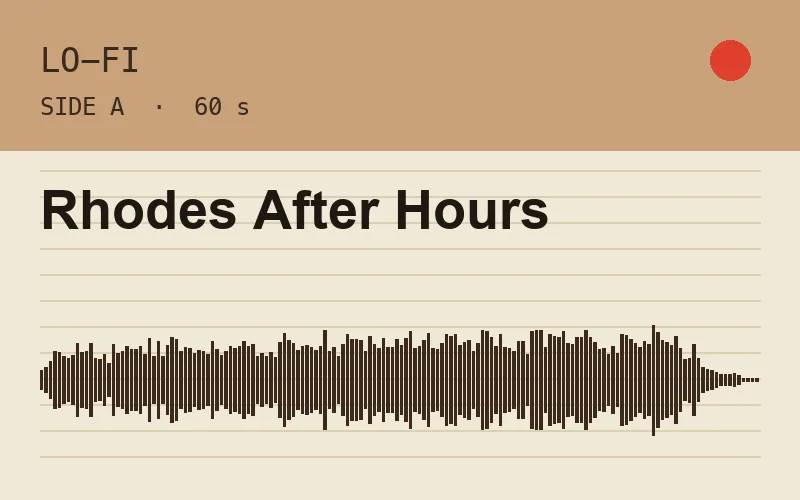
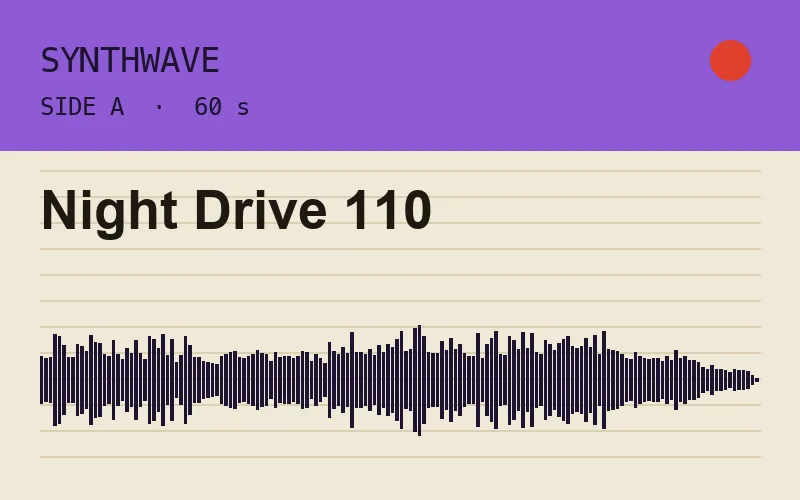
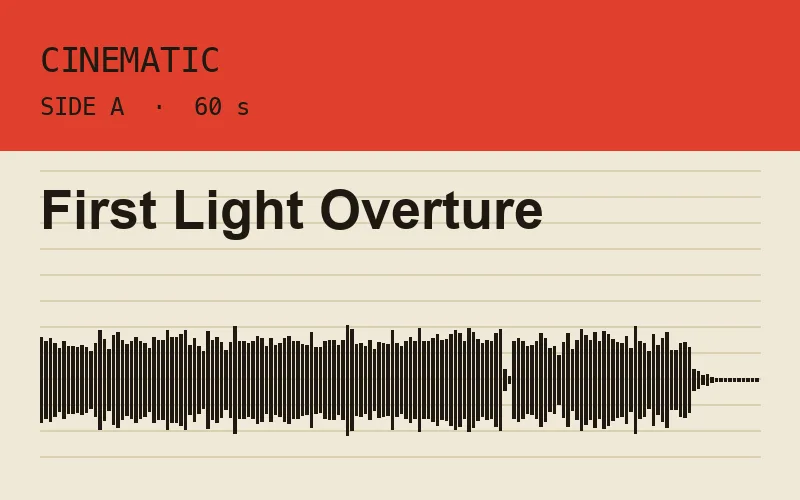
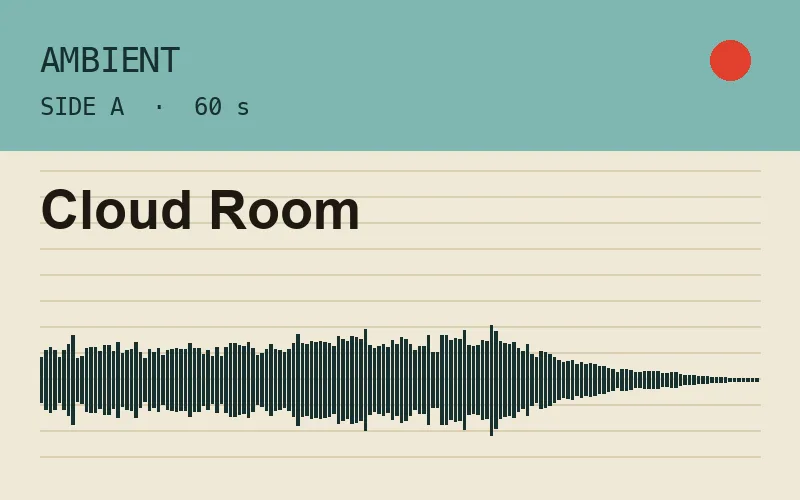
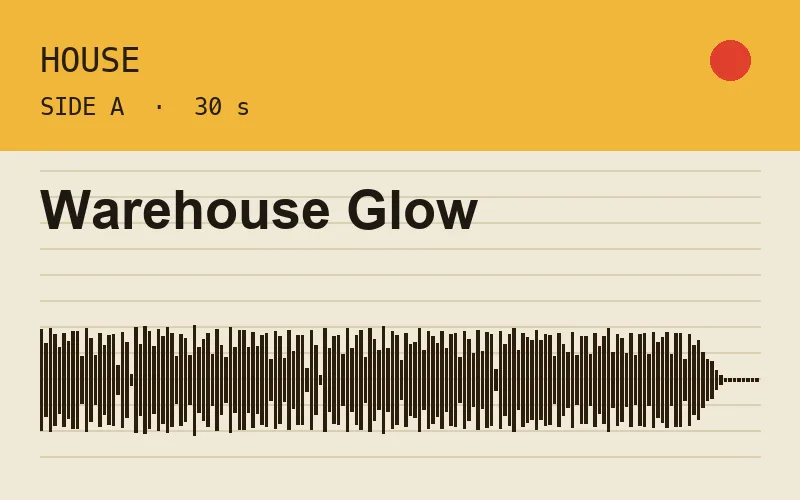
Every example was made here, from the brief shown, on the engine named on its card.
Your takes
No takes yet
Play the examples above, then sign up to make your own. Your takes are private.
Make a track in three steps
- Step 01
Set the controls
Tap a genre and a mood, then set the tempo, key and energy, or leave tempo and key on auto.
- Step 02
Choose the engine
A Quick clip to test the idea, then a Full track or a Studio take at the length you need.
- Step 03
Keep the best take
A/B two takes, check the measured tempo and key, and re-run a good one from its seed.
Which engine for which job
All four make instrumentals. They differ in length, how exactly they hit it, and what they're best at.
Quick
ACE-Step by ACE Studio and StepFun
One short take to hear a brief before you spend more. Same model as Full track, so a good idea scales up.
- Length
- 30 s
- Credits
- 37
Full track
ACE-Step by ACE Studio and StepFun
A complete piece at the length you set, one price at any length. Every take keeps its seed for a re-run.
- Length
- 30–240 s
- Credits
- 56
Studio
ElevenLabs Music
Hits the exact length to the second, with a clear intro and ending. The choice when the cut is locked.
- Length
- 10–300 s
- Credits per 10 s
- 51
Texture
Stable Audio 2.5 by Stability AI
Pads, drones and soundscapes with no strong beat: under speech, menus or a slow scene.
- Length
- 10–190 s
- Credits
- 123
Controls that change the take
Each control adds plain words to the brief the engine reads, so you can see what it asks for.
Genre and mood
Fourteen genres and ten moods, from lo-fi and calm to cinematic and epic. Combine them with your own words.
Tempo
Ask for 60 to 180 BPM, or let the engine pick. The take's real tempo is measured afterwards.
Key
Any of the twelve keys in major or minor, so tracks for the same project sit together.
Energy curve
Steady, building to the end, or building to a drop in the middle, for a reveal or a product shot.
After the take
These run in your browser and cost nothing.
Compare A/B
Switch between two takes at the same playhead and keep the one that fits.
Measure tempo and key
The badge shows what the audio really does, which matters when you match another track.
Loop on the bar lines
Four or eight bars on the detected grid with a crossfaded seam, saved as a WAV.
Download MP3 or WAV
The MP3 as made, or a WAV written on your device for your editor or game engine.
Tracks made on this site
Nine examples across the four engines. Each one shows the brief that made it, word for word.
Rhodes After Hours
Lo-fiACE-Step · Full track
0:000:59Brief: “lo-fi hip hop, mellow, rhodes piano, vinyl crackle, 80 bpm”
First Light Overture
CinematicACE-Step · Full track
0:000:59Brief: “cinematic orchestral, strings, warm brass, slow build”
Night Drive 110
SynthwaveACE-Step · Full track
0:000:59Brief: “synthwave, retro, analog synth, driving bass, 110 bpm”
Cloud Room
AmbientACE-Step · Full track
0:000:59Brief: “ambient, soft pads, gentle, calm, airy”
Porch Strings
AcousticACE-Step · Quick
0:000:29Brief: “acoustic folk, guitar, light percussion, warm”
Warehouse Glow
HouseElevenLabs Music · Studio
0:000:30Brief: “Deep house, four-on-the-floor, warm chords, uplifting, 122 BPM, steady energy throughout”
Brushwork Bed
JazzElevenLabs Music · Studio
0:000:30Brief: “Smooth jazz, brushed drums, upright bass, warm, for a podcast background bed, 92 BPM”
Low Tide Drone
CinematicStable Audio 2.5 · Texture
0:000:45Brief: “Dark cinematic drone, low strings and distant metallic textures, tense, slow evolving”
Rain on Keys
AmbientStable Audio 2.5 · Texture
0:000:45Brief: “Ambient piano with soft rain texture, calm, dreamy, evolving pads”
Questions and answers
Is this AI music maker free?
New accounts get 37 credits once after verifying their email: one Quick clip for personal use. After that, takes use credits from a plan or a pack. The loop maker and WAV export are always free.
Which models does it use?
ACE-Step for Quick and Full track, ElevenLabs Music for Studio and Stable Audio 2.5 for Texture. Each is named in the engine picker with its terms.
Can it make songs with vocals?
No. Every engine here runs in instrumental mode. There are no vocals and no lyrics.
How long does a take take?
Most are ready in under a minute; a long Studio take can take a little more. You can close the tab and come back.
What does re-run do?
Quick and Full track takes keep their seed. Re-run makes a new take from the same seed and brief, so you can try another length without losing the idea.
Can I split a take into stems?
No. This site makes finished instrumentals; it doesn't separate instruments.
Make the first take now
New verified accounts get 37 credits once: enough for a Quick clip. Loops and WAV are free.
Last updated: